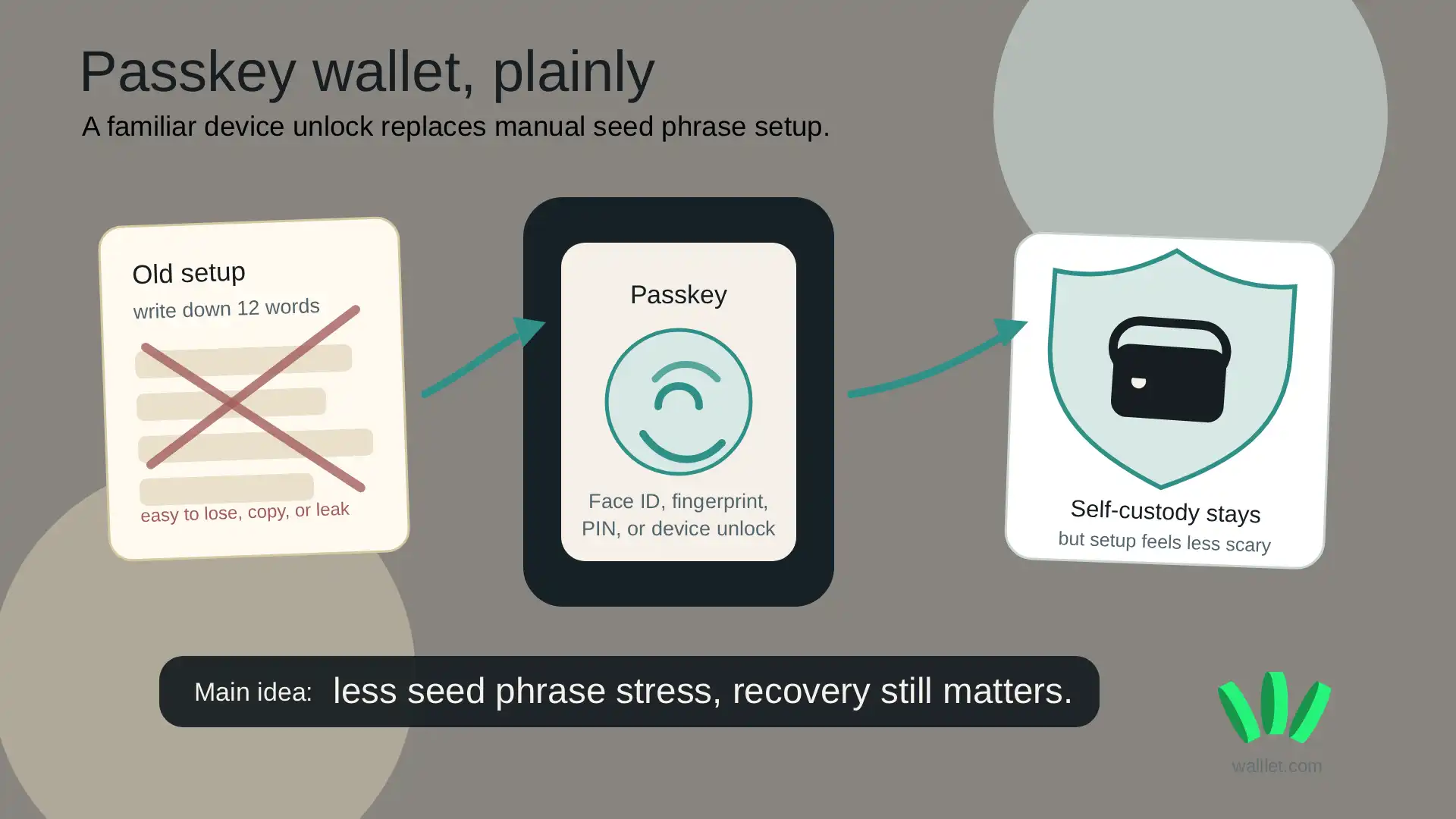
A passkey wallet is a crypto wallet that lets you access and protect your wallet with Face ID, fingerprint, PIN, or device authentication instead of manually managing a 12-word seed phrase. It can make self-custody easier, but you still need to understand how backup and recovery work.
TL;DR
A passkey wallet uses your device’s built-in security instead of asking you to write down a seed phrase.
Passkeys are based on public-key cryptography, which helps reduce phishing and password-style attacks.
The main benefit is simpler wallet access. The main trade-off is recovery. If your passkey backup is gone, access can become difficult or impossible.
Passkey wallets are useful for people who want self-custody without the stress of managing recovery words on day one.
walllet.com uses passkeys and biometrics to make wallet creation feel more familiar while keeping users in control of their crypto.
What is a passkey?
A passkey is a passwordless way to sign in. Instead of typing a password, you confirm access with Face ID, fingerprint, PIN, pattern, or another device unlock method.
The important part is what happens behind the screen. Passkeys use public-key cryptography. Your device keeps the private part, while the app or website only uses the public part to verify that it is really you. The FIDO Alliance describes passkeys as a phishing-resistant replacement for passwords.
That matters because passwords are easy to reuse, steal, or type into the wrong page. A passkey is harder to trick out of someone because you do not copy it, paste it, screenshot it, or type it into a fake login form.
Crypto badly needed this kind of improvement. Shocking development: making normal people guard 12 random words forever was not exactly friendly UX.
What is a passkey wallet?
A passkey wallet is a crypto wallet that uses a passkey as part of the wallet access or recovery experience. Instead of making you write down a seed phrase during setup, it lets you create or access your wallet through your phone or device security. In simple terms, it makes a crypto wallet feel closer to a modern app.
That does not mean every passkey wallet works the same way. Some wallets use passkeys for login. Some use them for signing. Some combine passkeys with smart accounts, MPC, or other security systems. The experience may look similar, but recovery, portability, and chain support can be very different.
If you want to understand what is actually being protected behind the scenes, read Understanding Private Keys on walllet. It explains why wallet access is really about key control, not just app login.
How does a passkey wallet replace a seed phrase?
A traditional crypto wallet usually gives you a 12 or 24-word seed phrase. That phrase is the backup for your wallet. If you lose it, you may lose access. If someone else gets it, they may get your funds.
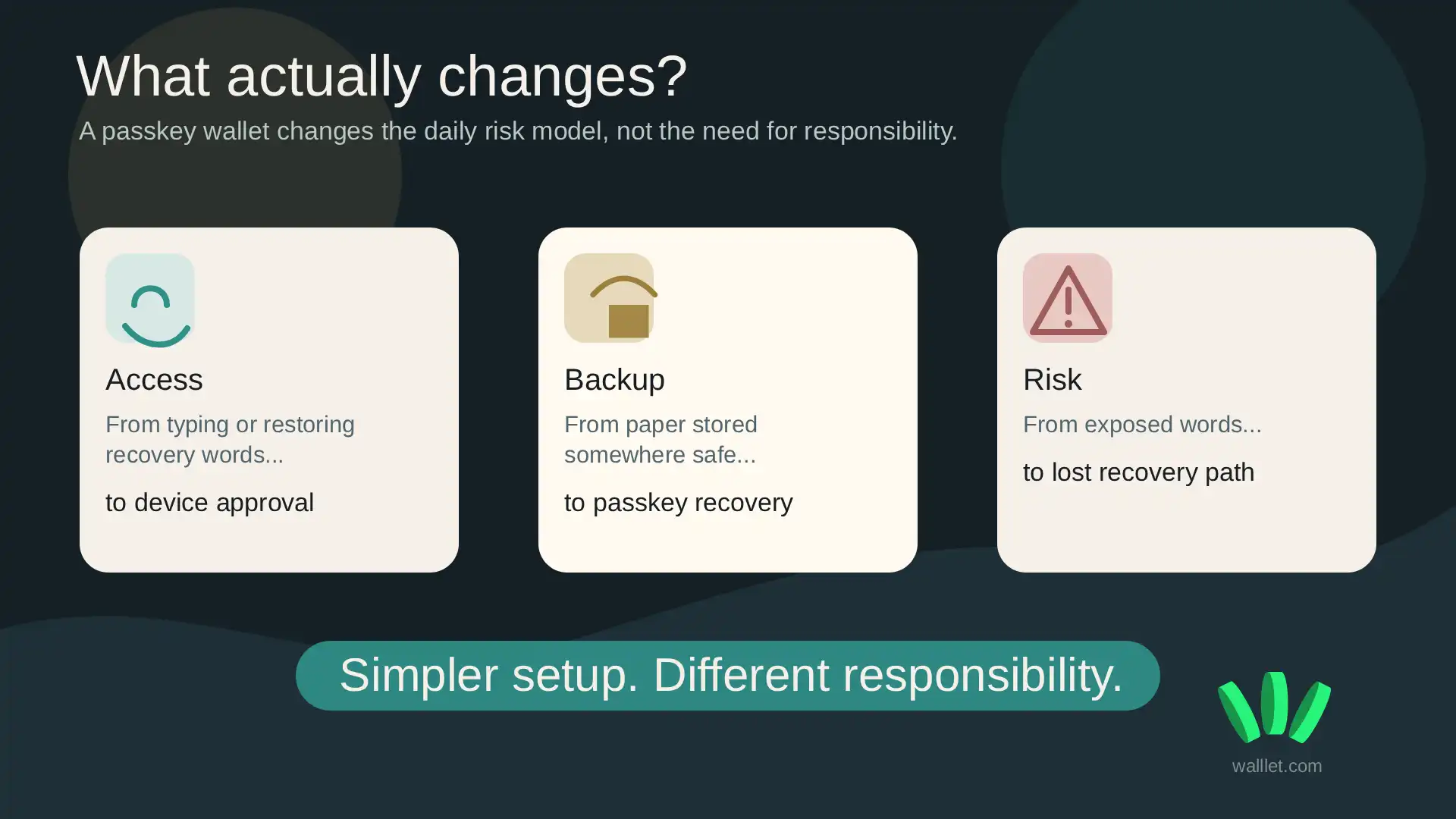
A passkey wallet tries to remove that manual seed phrase step. Instead of writing words on paper, you approve access with your device. Your passkey may be stored and synced through a credential manager such as iCloud Keychain or Google Password Manager, depending on the wallet and device setup.
Google says passkeys created on Android can be stored in Google Password Manager and synced across Android devices when requirements like screen lock are enabled. You can read Google’s own explanation here: Manage passkeys in Chrome on Android.
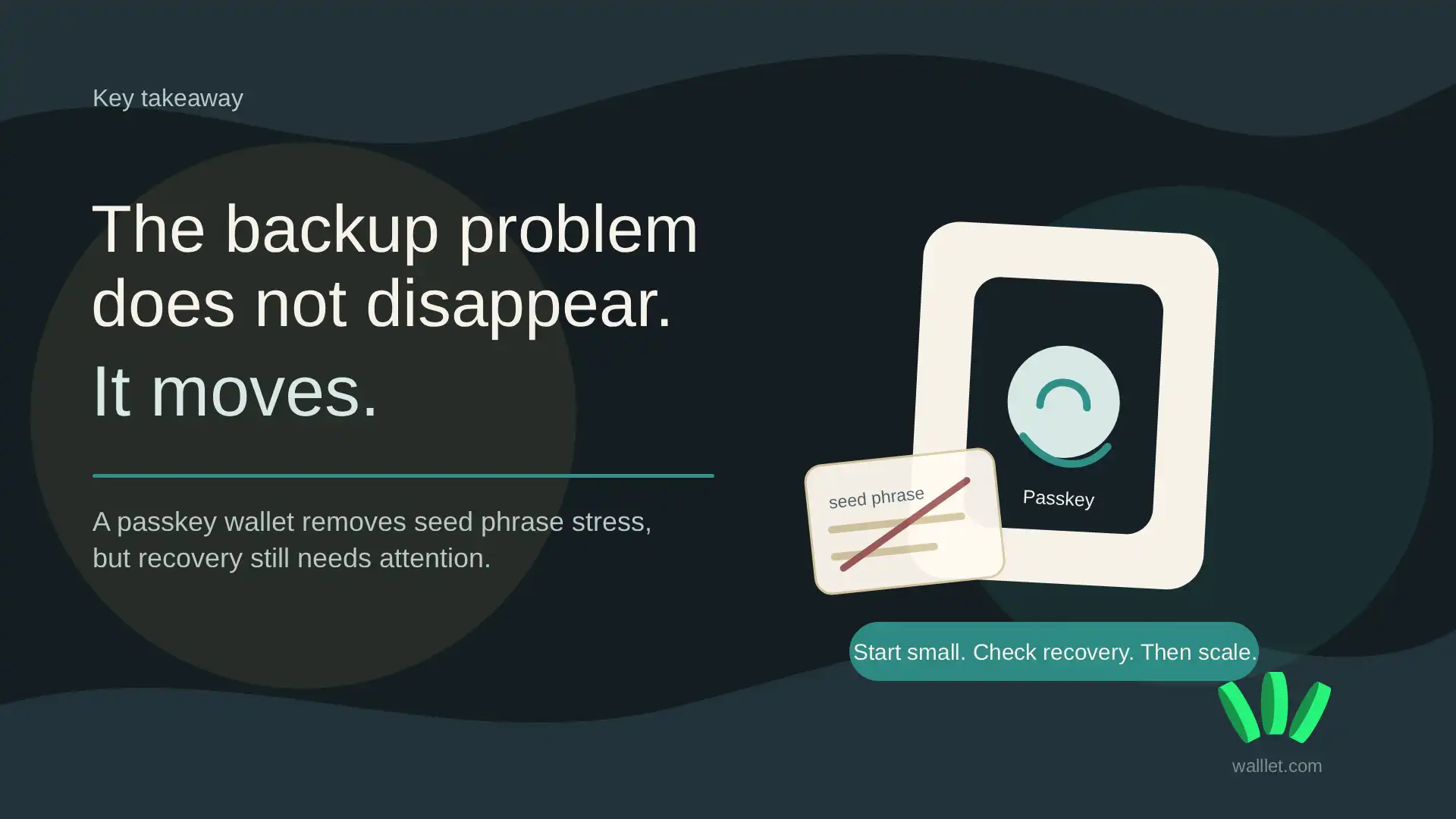
This is the key shift: the backup problem does not disappear. It moves from “where did I put my seed phrase?” to “is my passkey and device backup set up properly?”
That is usually easier for beginners. It is not magic.
A real-world passkey wallet implementation: walllet.com
walllet.com is one example of a passkey wallet built on smart-account infrastructure.
In a September 2026 case study, ZeroDev documented walllet.com's use of its Key Abstraction infrastructure to replace traditional seed-phrase onboarding with passkey-based authorization.
For the user, that means wallet setup can use familiar device authentication such as Face ID or fingerprint rather than beginning with a recovery phrase.
The trade-off does not disappear. Passkey backup, device access and recovery still need to be understood before meaningful funds are moved into any seedless wallet.
ZeroDev also reported more than 100,000 walllet.com wallet creations, providing a public example of passkey-based smart accounts operating at meaningful scale.
Is a passkey wallet safer than a seed phrase wallet?
A passkey wallet can be safer for many everyday users because it removes common seed phrase mistakes.
People lose recovery words. They save them in screenshots. They paste them into fake support forms. They store them in cloud notes. Then everyone acts surprised when funds disappear, because apparently the “write these words down perfectly and never mess up” model had some tiny flaws.
Passkeys reduce some of that risk. You are not typing a secret into websites. You are not managing a paper backup from the first minute. You are using device security that already feels familiar. But safer does not mean risk-free.
A passkey wallet can still fail if your recovery setup fails. If you lose your phone, lose access to your Apple or Google account, delete the passkey, or misunderstand the wallet’s recovery model, access can become a problem.
So the real question is not “passkey or seed phrase, which is perfect?” Neither is perfect. The better question is: which risk are you more likely to handle well?
Passkey wallet vs seed phrase wallet
Question | Seed phrase wallet | Passkey wallet |
How do you access it? | Wallet app plus recovery phrase backup | Face ID, fingerprint, PIN, or device authentication |
What do you protect? | 12 or 24 recovery words | Device security, passkey, and credential backup |
What is easier for beginners? | Usually harder | Usually easier |
Main risk | Losing or exposing the seed phrase | Losing access to the passkey or backup path |
Portability | Often easier across compatible wallets | Depends on wallet design and credential manager |
Best for | Advanced users who want maximum manual control | Users who want self-custody with less setup stress |
Seed phrase wallets still have a real advantage: portability. A seed phrase can usually be imported into many compatible wallets. A passkey setup may depend more on a specific device, ecosystem, app, or credential manager. That is the trade-off. Less manual stress, more dependence on the recovery path.
What happens if you lose your phone?
Losing your phone does not automatically mean losing your crypto. What matters is whether your passkey is backed up and recoverable.
If your passkey is synced through a credential manager and your account recovery is healthy, you may be able to regain access on another device. If the passkey is deleted and there is no recovery path, the wallet may not be recoverable.
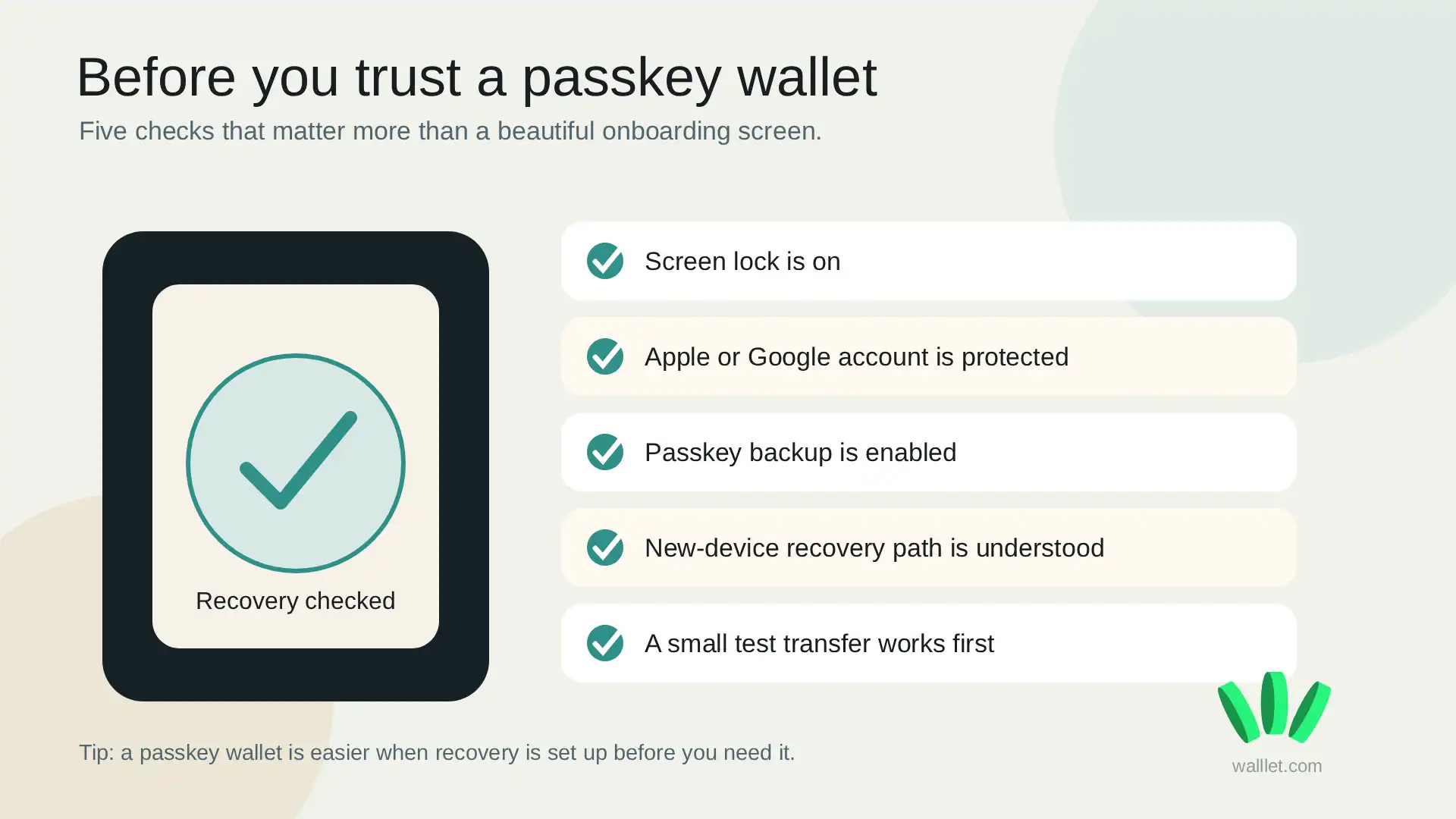
This is where users need to slow down for two minutes. Annoying, yes. Cheaper than panic later. Before using any passkey wallet, check:
Your phone has a secure screen lock.
Your Apple or Google account is protected.
You understand where your passkey is stored.
You know what happens if you change devices.
You do not delete passkeys unless you are sure what they control.
For walllet.com users on Android, the guide on how to enable passkeys on Android to create your walllet explains the setup flow and why the passkey should not be deleted casually.
Which wallets use passkeys?
Passkey support is becoming more common in crypto wallets and smart wallets. Coinbase Smart Wallet, for example, uses passkeys so users do not need to memorize a recovery phrase for that wallet experience. Other wallets and wallet infrastructure products also use passkeys in different ways. This is why the label “passkey wallet” is useful, but incomplete. Before choosing one, check these details:
Does the wallet use passkeys for login, signing, recovery, or all three?
Is the wallet self-custodial or custodial?
What happens if your phone is lost?
Can you recover access on a new device?
Does the wallet explain risks clearly, or does it hide them under shiny onboarding copy?
If a wallet cannot explain recovery clearly, be careful. Confusion is not a feature. It is just risk wearing nicer shoes.
How walllet.com helps if you want self-custody without seed phrase stress
The hard part of crypto is not only keeping control. It is keeping control without constantly feeling one mistake away from disaster.
walllet.com is built around that problem. It uses passkeys and biometric access so users can create a self-custodial wallet without manually writing down a seed phrase during setup. The goal is simple: make wallet access feel familiar while keeping crypto under the user’s control.
That matters most for people who want to use crypto in normal life, not treat every wallet login like a final exam. Freelancers, remote workers, stablecoin users, and beginners often need something practical: receive funds, hold assets, send payments, check what they are approving, and avoid obvious traps.
Passkeys solve only one part of that. walllet.com also focuses on clearer transaction prompts and a less intimidating wallet experience, which helps users understand what they are doing before they approve anything. For related risks, read Are Seedless Wallets Safe? The Real Risks Explained.
Should you use a passkey wallet?
Use a passkey wallet if you want self-custody but do not want to manage a seed phrase from the first minute. It is especially useful if you are newer to crypto, use mobile-first apps, or care more about a safer everyday setup than maximum manual control.
Stick with a traditional seed phrase wallet, hardware wallet, or more advanced setup if you manage larger amounts, need broad wallet portability, or prefer full control over every recovery detail. A sensible path is boring, which is usually a good sign in crypto:
Create the wallet.
Check the passkey backup.
Move a small test amount.
Try sending and receiving.
Understand recovery before adding more funds.
