INVOICING IN USD, EUR, GBP
INVOICING IN USD, EUR, GBP
Invoices that tell
clients exactly
how to pay you.
Invoices that tell
clients exactly
how to pay you.
Invoices that tell clients exactly how to pay you.
Create an invoice in USD, EUR or GBP with your walllet.com account details on it. Your client pays by bank transfer, and the money lands in your balance.
Invoice clients in USD, EUR or GBP and get paid by bank transfer.


Join freelancers worldwide
Join freelancers worldwide
Join freelancers worldwide
Secured by Passkeys
Secured by Passkeys

Rated 4.2 out of 5
Rated 4.2 out of 5


Create an invoice
Create an invoice
Create an invoice
Add your client, the work you did, the amount and the currency in the walllet.com app.
Add your client, the work you did, the amount and the currency in the walllet.com app.
Add your client, the work you did, the amount and the currency in the walllet.com app.

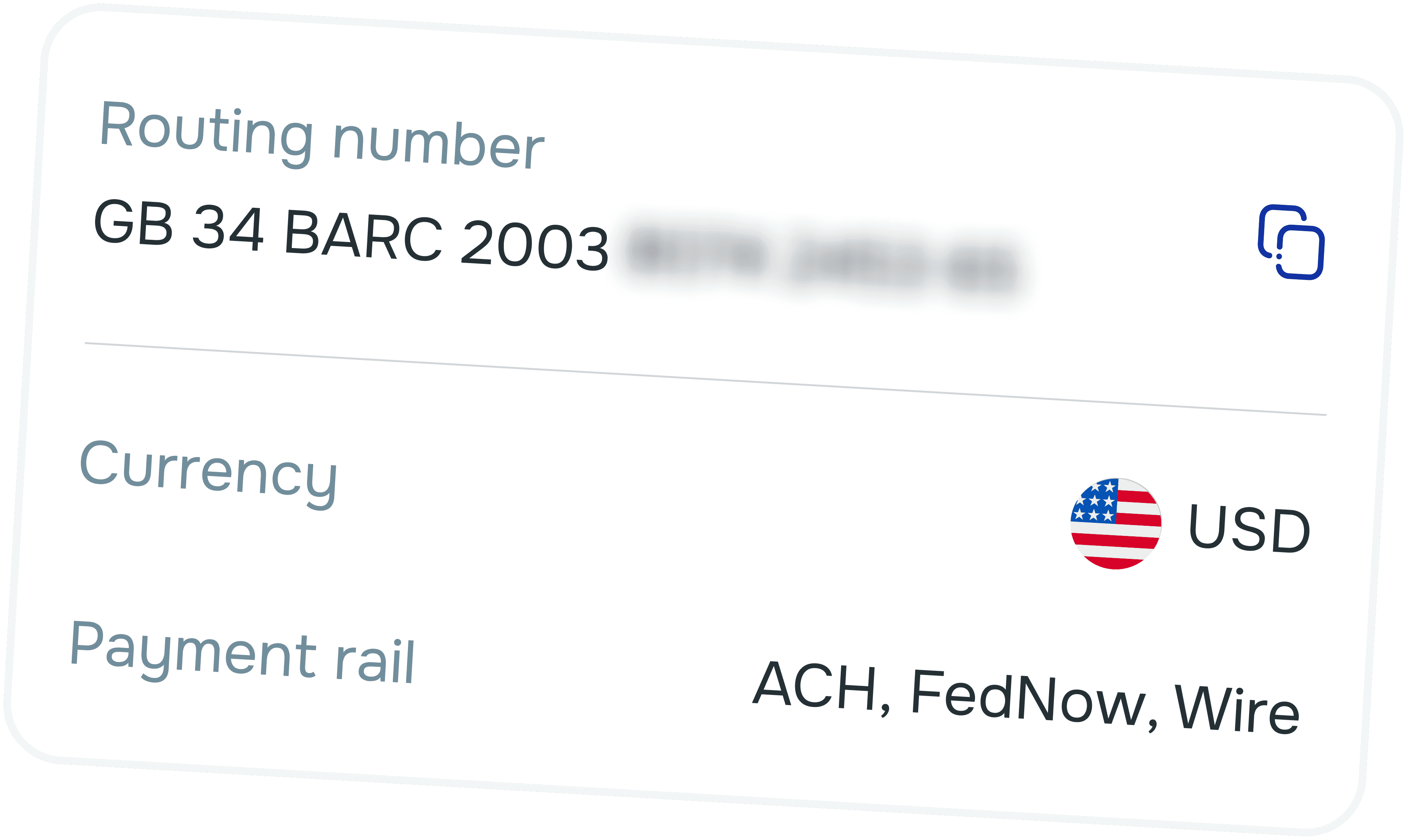
Your payment details are added
Your payment details are added
Your payment details are added
Your USD, EUR or GBP account details go on the invoice, so the client sees where and how to pay you.
Your USD, EUR or GBP account details go on the invoice, so the client sees where and how to pay you.
Your USD, EUR or GBP account details go on the invoice, so the client sees where and how to pay you.


Send it and get paid
Send it and get paid
Send it and get paid
Share the invoice with your client. They pay by normal bank transfer, and the money lands in your walllet.com balance.
Share the invoice with your client. They pay by normal bank transfer, and the money lands in your walllet.com balance.
Share the invoice with your client. They pay by normal bank transfer, and the money lands in your walllet.com balance.
Every invoice points to an account in your name.
Hold the money in USD, pay online with your card or withdraw where available.
Every invoice points to an account in your name.
Hold the money in USD, pay online with your card or withdraw where available.
Every invoice points
to an account in your name.
Hold the money in USD, pay online with your card or withdraw where available.

Look like a company
clients want to pay.
No templates to hunt for,
no copying account numbers by hand and no back and forth about how to pay.
Invoices in three currencies
Bill clients in US dollars, euros or British pounds, matching the currency they already pay in.

Your details, filled in
For freelancers and companies
Paid by bank transfer
Invoices in three currencies
Bill clients in US dollars, euros or British pounds, matching the currency they already pay in.
Your details, filled in
For freelancers and companies
Paid by bank transfer
Look like a company
clients want to pay.
No templates to hunt for,
no copying account numbers by hand and no back and forth about how to pay.
Invoices in three currencies
Bill clients in US dollars, euros or British pounds, matching the currency they already pay in.
Your details, filled in
For freelancers and companies
Paid by bank transfer
Invoices in three currencies
Bill clients in US dollars, euros or British pounds, matching the currency they already pay in.
Your details, filled in
For freelancers and companies
Paid by bank transfer
Look like a company
clients want to pay.
Bill client work in USD, EUR or GBP and get paid by bank transfer into an account in your name.
Invoices in three currencies
Bill clients in US dollars, euros or British pounds, matching the currency they already pay in.
Your details, filled in
For freelancers and companies
Paid by bank transfer
Invoices in three currencies
Bill clients in US dollars, euros or British pounds, matching the currency they already pay in.
Your details, filled in
For freelancers and companies
Paid by bank transfer
Why freelancers invoice
with walllet.com?
See for yourself.
Why freelancers invoice
with walllet.com?
See for yourself.
Why freelancers invoice with walllet.com?
See for yourself.
Invoicing and getting paid happen in one app, without spreadsheets or a separate invoicing tool.
Invoicing and getting paid happen in one app, without spreadsheets or a separate invoicing tool.

Made on your phone
No desktop tools needed
Create an invoice
In the app
All you need is
client + amount.
USD, EUR
and GBP
invoices
supported

Your income

stays in USD

Fees shown
upfront
Fees shown
upfront
Withdraw to your local bank
where
available
where available
in selected countries
Download walllet
Install walllet
Frequently Asked Questions
Frequently Asked Questions
FAQs
Still unsure? Get a second opinion.
Still unsure? Get a second opinion.
What is walllet.com invoicing?
Do I need a walllet.com account to send invoices?
Can my client pay the invoice by card?
Which currencies can I invoice in?
Can I invoice from my company?
Get paid like the
world is your city
Get paid like the
world is your city
Get paid like the
world is your city
Send your first invoice today.
Open your account with a valid ID and a selfie.
Send your first invoice today.
Open your account with a valid ID and a selfie.
Send your first invoice today.
Open your account with a valid ID and a selfie.


4.2 ★ on Trustpilot
4.2 ★ on Trustpilot

Human support on WhatsApp
Human support on WhatsApp